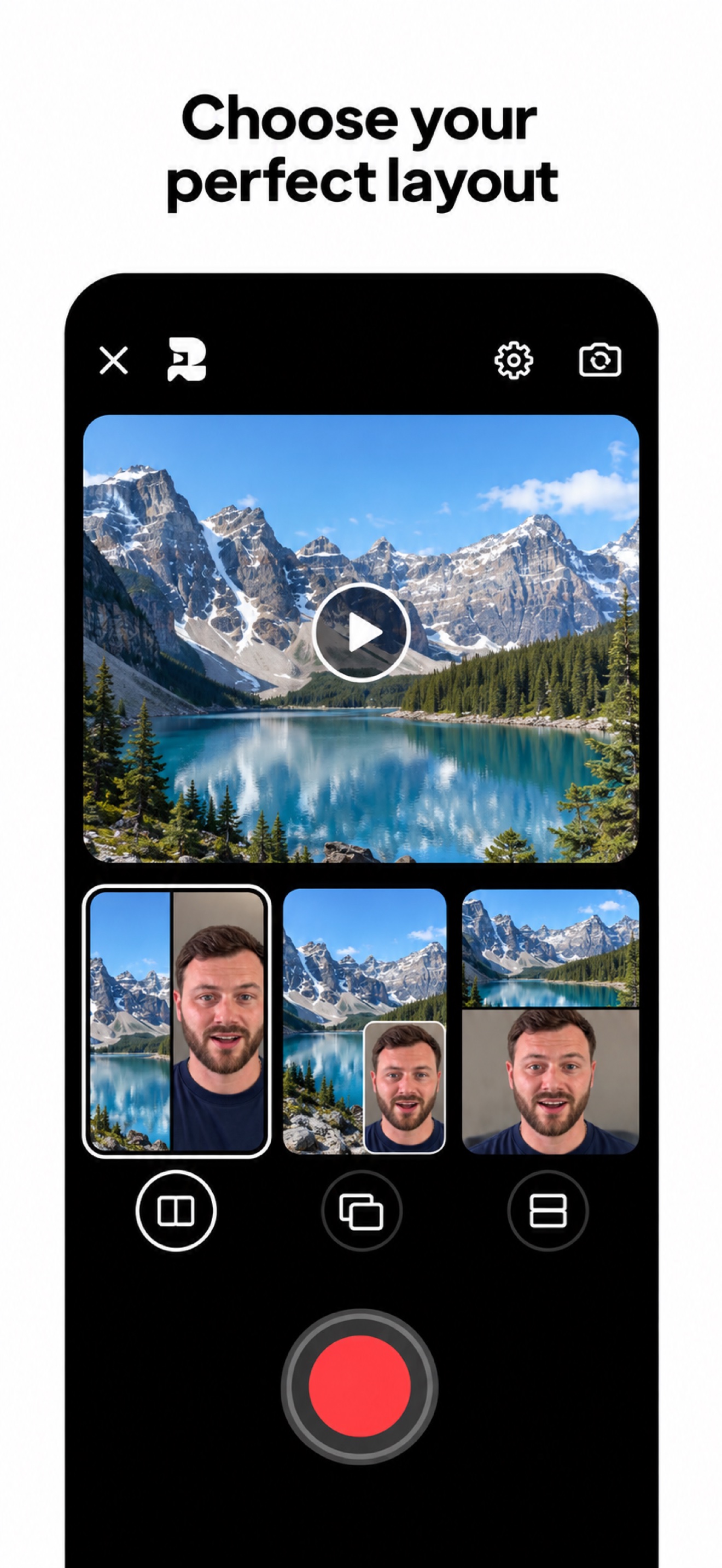
Choose
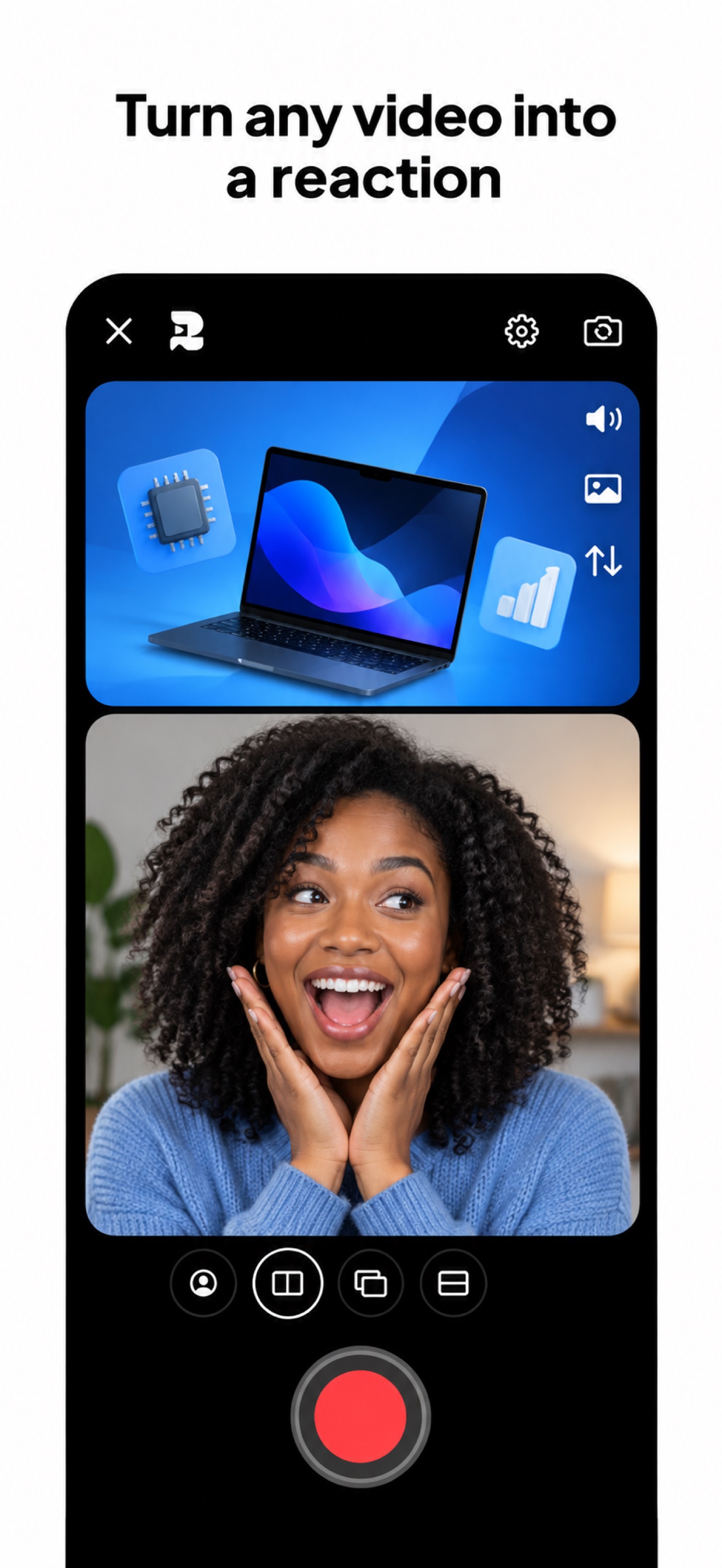
Import the video, image, or moment you want to talk about.
 Reakt
Reakt
Reaction videos made simple
Record yourself reacting to videos, photos and screenshots on your iPhone. Create reactions for TikTok, Instagram Reels, YouTube Shorts and YouTube.
Start with 3 free videos every week
Meet Reakt
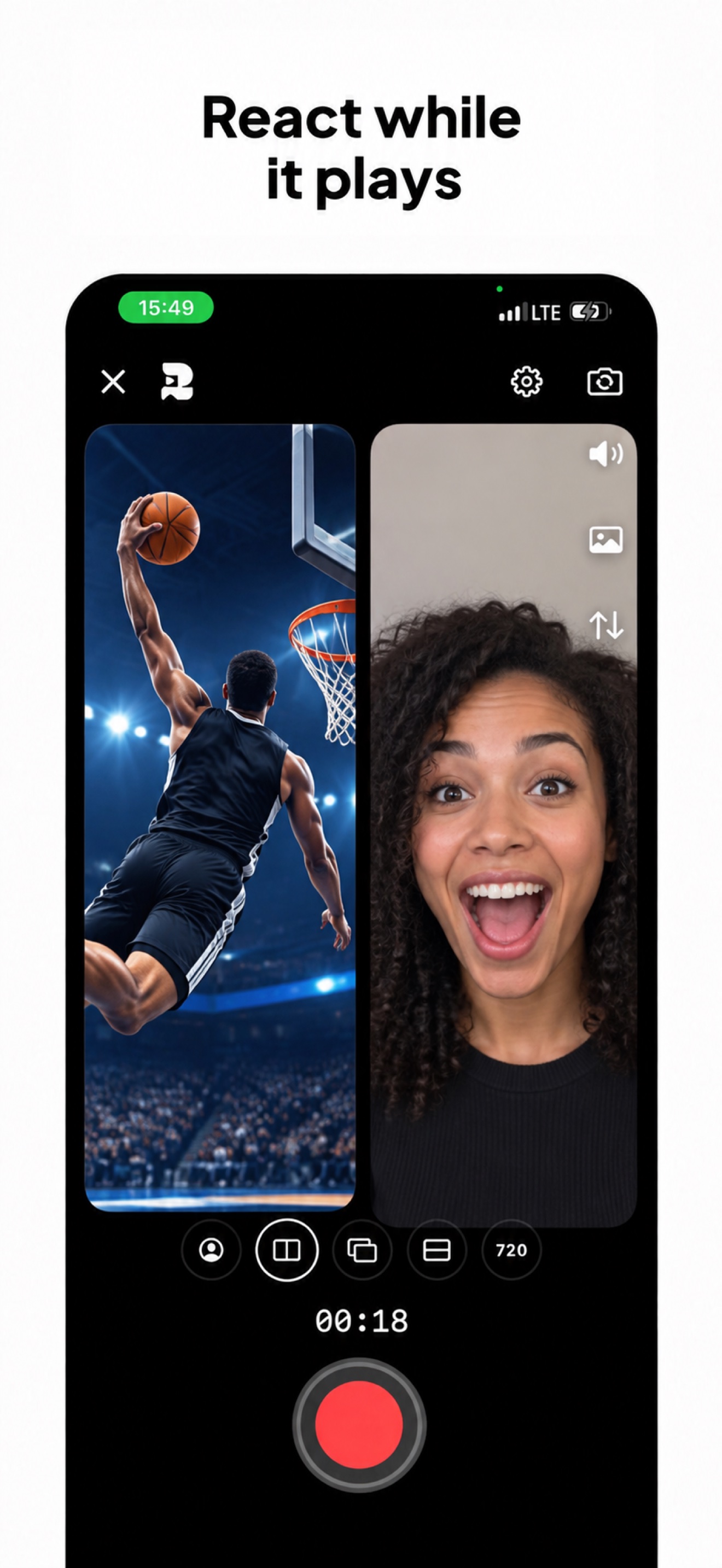
Reakt is an iPhone reaction video recorder. Import a video, photo or screenshot, record your face and voice alongside it, and export a combined video ready to share.
Use it to explain a moment, add commentary or show your response. ReactWithVideo.com is Reakt’s official website, with practical recording guides, support and the official download.
Import the video, image, or moment you want to talk about.
Pick a layout and record your voice and camera in one simple flow.
Save your finished reaction and post it wherever you want.
Made for creators
Reakt brings the complete reaction-video workflow into one focused app. Import the moment you want to discuss, choose how you appear beside it, record your perspective, and save the finished video to share on any platform.
Start with a video, photograph, screenshot, news item, lesson, product image, or memorable moment.
Create stacked, side-by-side, picture-in-picture, or green-screen reactions that fit your content.
Save your completed reaction to Photos and share it wherever your audience already watches.
From source to share
Keep the source in view with your face camera as an overlay.
Give both views space with stacked or side-by-side layouts.
Choose a green-screen reaction layout to present yourself with the source content.
Reakt exports a video you can upload yourself. It does not require a connected social account.
Questions
Reakt is an iPhone app that helps you record yourself reacting to an imported video, photo, or screenshot and export the result as one polished video.
Import your source, choose a layout, record your face and voice, review the result and export. See the step-by-step guide.
Yes. Reakt records your camera and microphone alongside an imported video.
Yes. Import a video file you own or have permission to reuse, record your commentary and upload the export to YouTube. This does not require or promise downloading from a YouTube link.
Yes. Export your reaction from Reakt and upload the saved file to TikTok. You can also upload it to Instagram Reels or YouTube Shorts.
Yes. Choose a stacked or side-by-side layout to show your source and camera together.
No. Choose your content and layout, record your reaction, then save or share the finished video.
Yes. Reakt includes three free video exports every week.
Android support is coming soon. Join the Android waitlist above to receive a launch notification.